
Discover the Power of Divi Gallery Extended’s Five Versatile Gallery Modules
It’s now easier than ever to build stunning galleries with Divi Gallery Extended. With five unique modules Masonry, Dynamic Masonry, Justified, Video, and Image Carousel you can create everything from sleek photography layouts to dynamic video showcases. Whether you want manual control, automatic category-based updates, clean row formatting, engaging video grids, or interactive sliders, each module offers intuitive settings and flexible designs to match your needs.
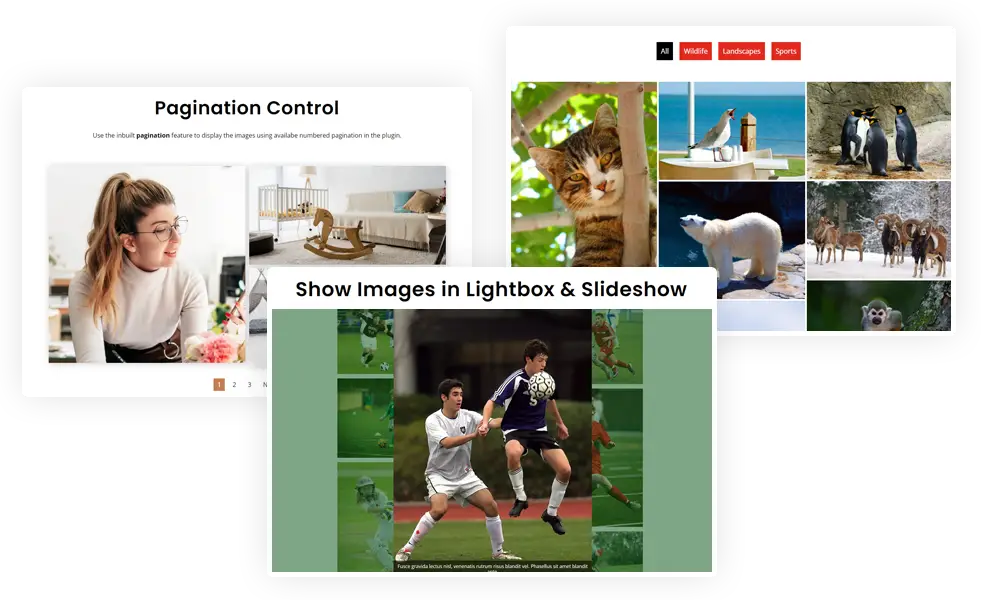
Masonry Gallery Module
This module will let you create a masonry gallery from the selected image. In this case, you add the module to a page and upload the desired images to the gallery.
Dynamic Masonry Gallery Module
This module enables you to show images in a divi masonry grid based on the images category. In this case, images saved to the media library need to have categories assigned to them and the module will add the associated images to the site.
Justified Gallery Module
Create clean, balanced image rows where each image automatically adjusts to fit the gallery width with consistent height perfect for portfolios or photography grids.
Video Gallery Module
Showcase local, YouTube, or Vimeo videos in a responsive grid with thumbnail previews. Includes lightbox or inline video play, hover icons, captions, and customizable styling.
Image Carousel Module
Display image collections in interactive slider layouts choose from slide, fade, flip, cube, or coverflow with thumbnail navigation, lightbox support, and category filters.
Instagram Feed Gallery
See the Instagram Feed Gallery module in action. Display live Instagram posts in a responsive gallery grid with masonry layouts, captions, hover overlays, and a follow button.
Bento Gallery
Turn your image collection into a striking bento-style layout with varied tile sizes, standout feature images, and smaller supporting tiles. Create flexible compositions that feel modern, dynamic, and visually engaging.
Grid Gallery
Create a clean and consistent visual layout with evenly sized image tiles, designed to keep your gallery organized while adapting seamlessly to different screen sizes.
Circle 3D Gallery
Present your images in an immersive circular 3D layout with adjustable card spacing, hover flip effects, rotation triggers, and flip speed. Add depth and motion to create a more interactive gallery experience.