
Grid Gallery Module for Divi
This page shows the Grid Gallery module from Divi Gallery Extended running live in Divi 5. Every example below uses the same idea: a uniform grid where each image sits in an equal tile, so you can see how the layout behaves with real images and how it responds as the screen narrows.
A clean, uniform grid is the right choice when:
- Your images should carry equal weight, like products, team members, or event photos.
- You are displaying a large set and want it scannable at a glance.
- Visual consistency matters more than highlighting any single image.
- You want a layout that stays predictable across desktop, tablet, and mobile.
Grid Gallery is one of the modules included in Divi Gallery Extended. For the full feature list and pricing, visit https://diviextended.com/product/divi-gallery-extended/












Zero Spacing with Half Flip Overlay
Set column spacing to 0px for a seamless look. The overlay fades in on hover. Only the title is shown, caption is hidden.

Portrait Beautiful Travel

Girl with Balloons

Travelling Cruise

Abby Zynia

Person Sky Jumping
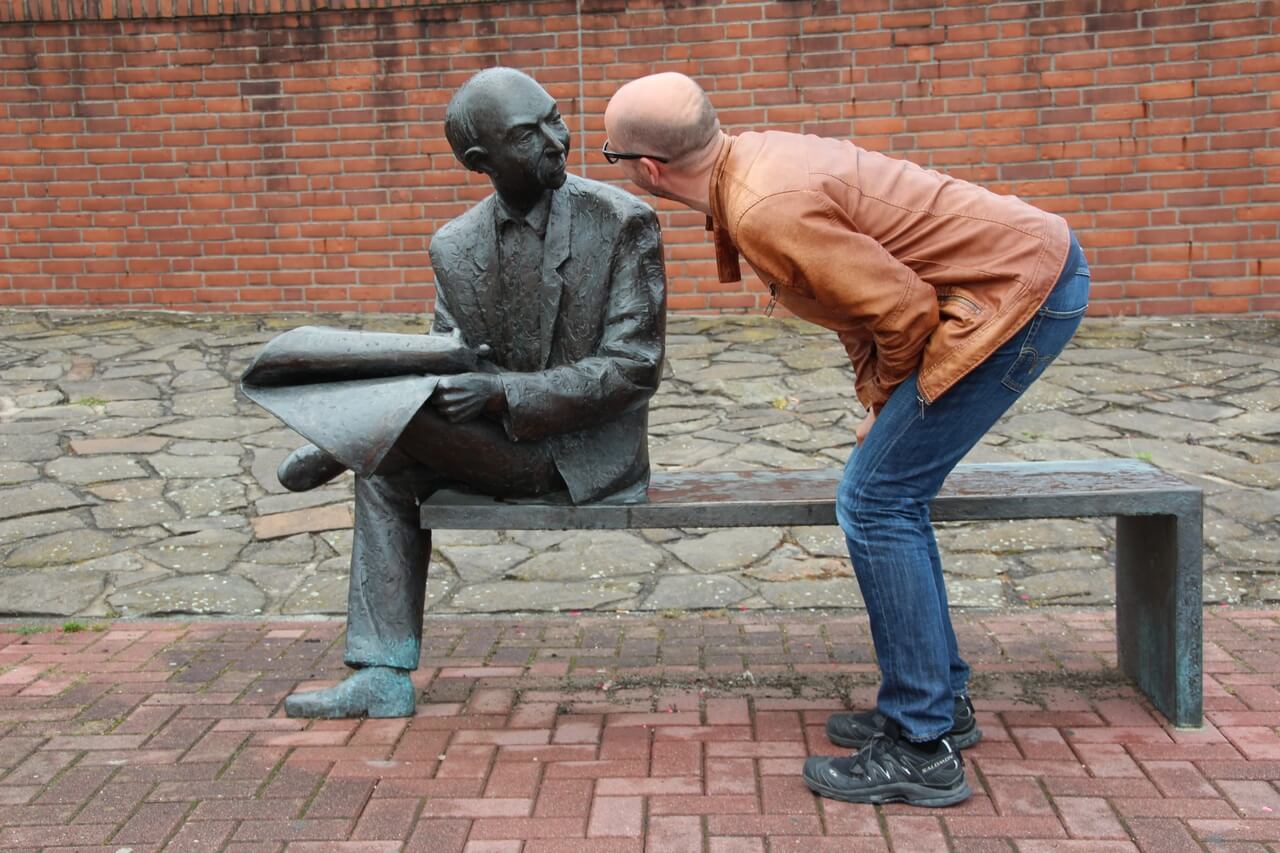
Person Stone Statue

Butterfly Stroke

Black and White Photograph
Filter and Pagination
Enable filterable categories and number pagination together. Visitors click a category tab to narrow the gallery, and use the page links to browse through images. Column spacing is 10px.
- All
- Wildlife
- Wonders
- Landscapes
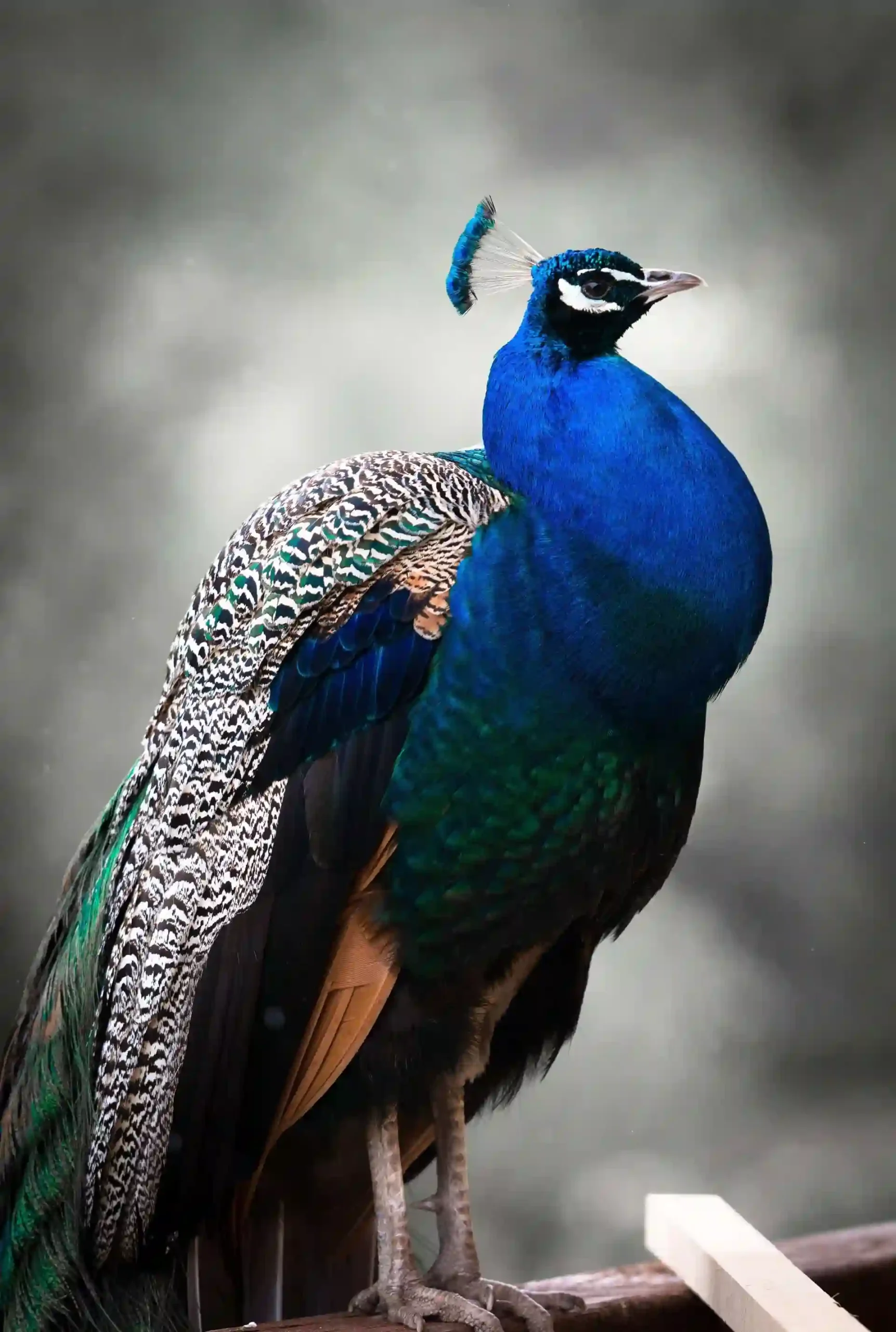
Feathers in Bloom

The Statue Of Liberty
Trail of Serenity
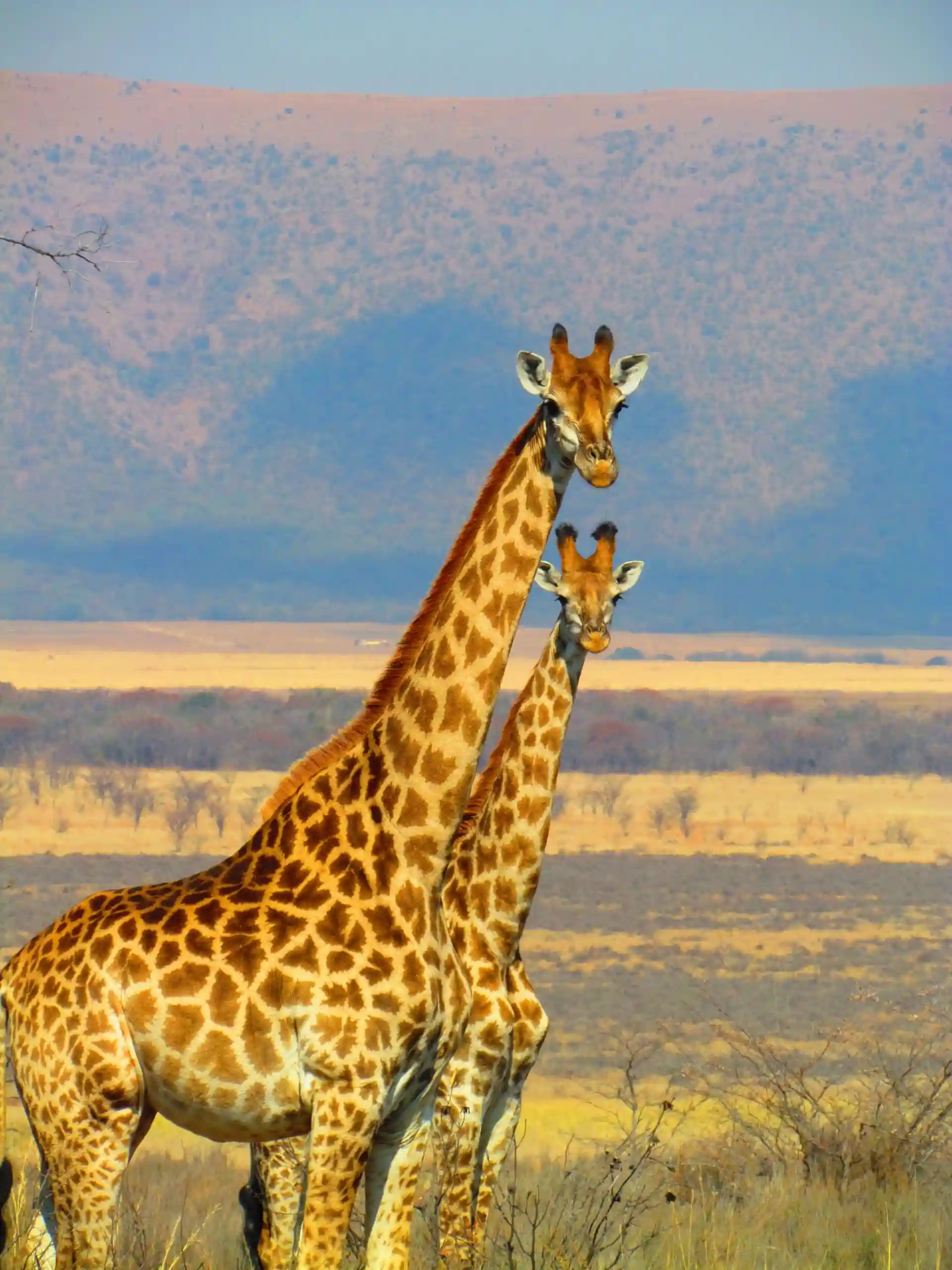
Graceful Watchers

The Colosseum
The Silent Passage
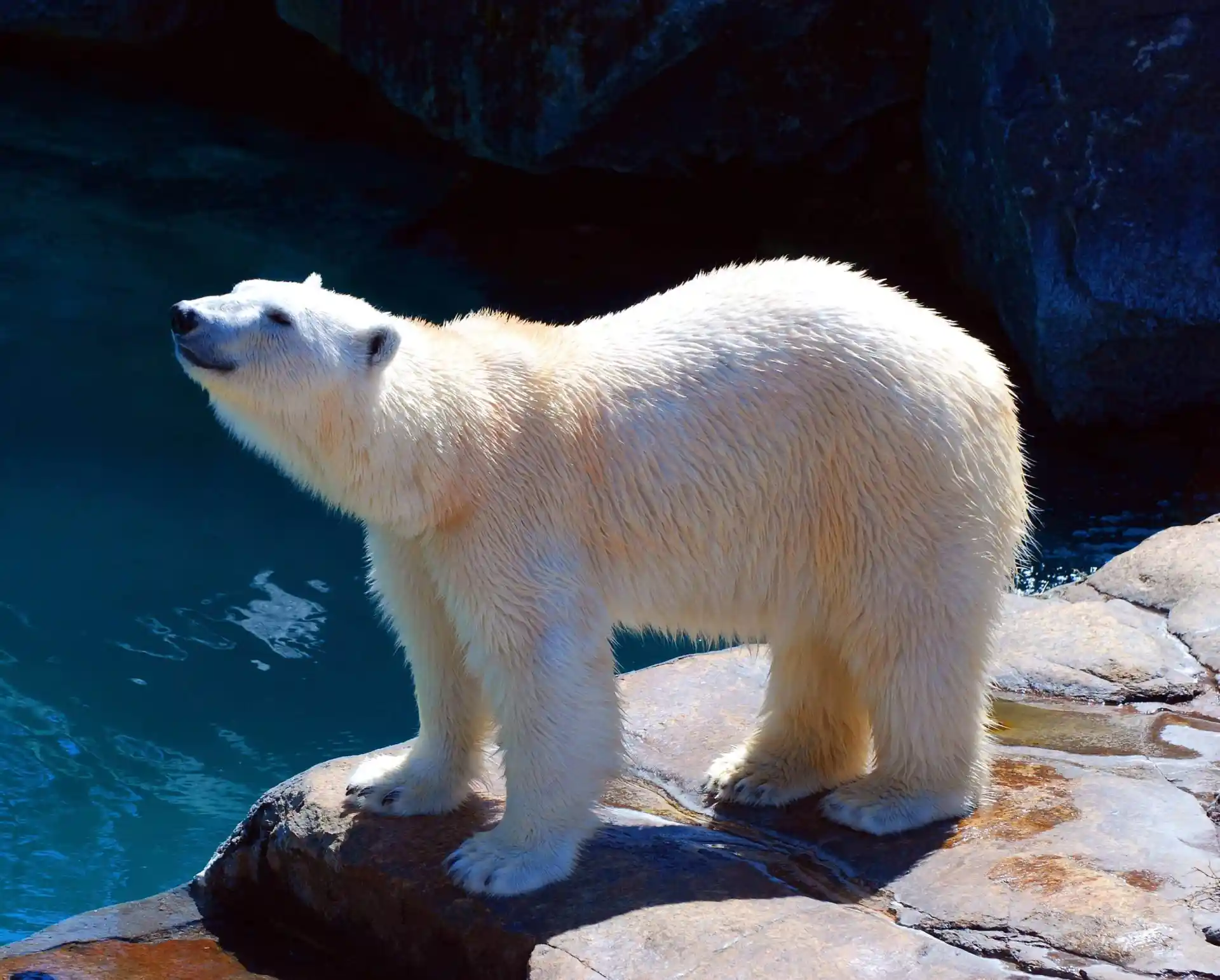
Polar Contemplation

The Tower of Pisa
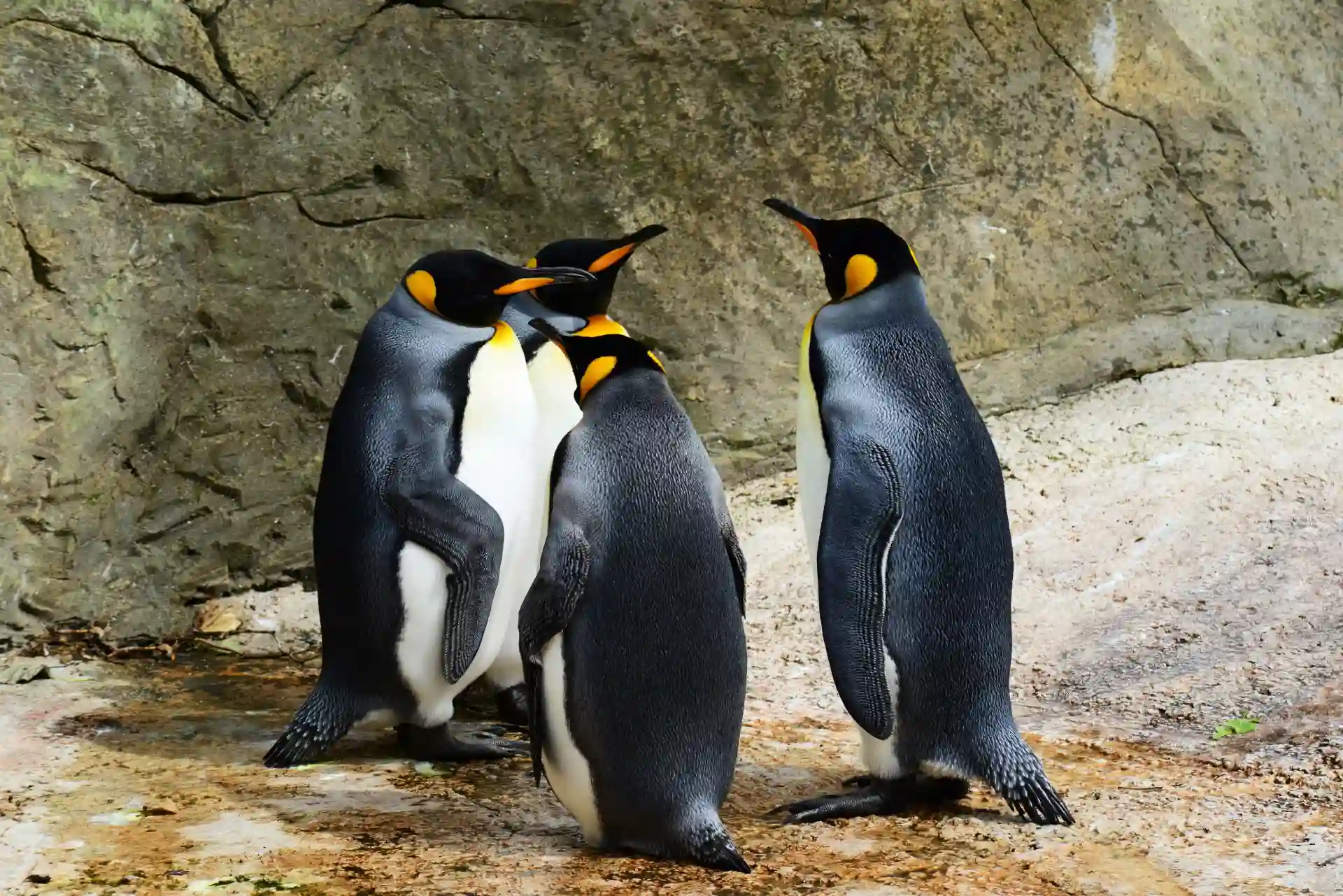
The Curious Penguin

Statue Of Liberty
Radiance Over the Highlands
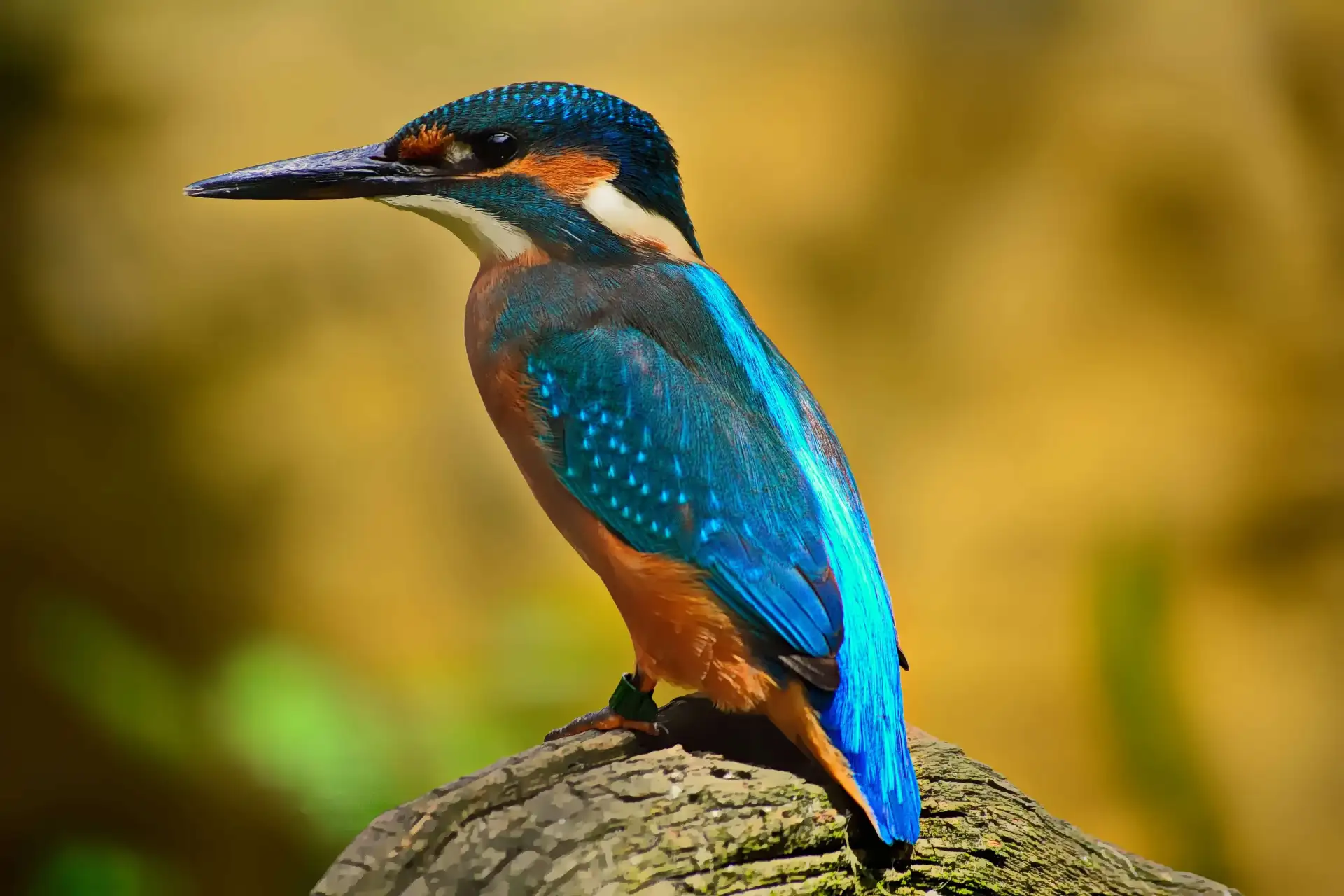
The Watchful Kingfisher
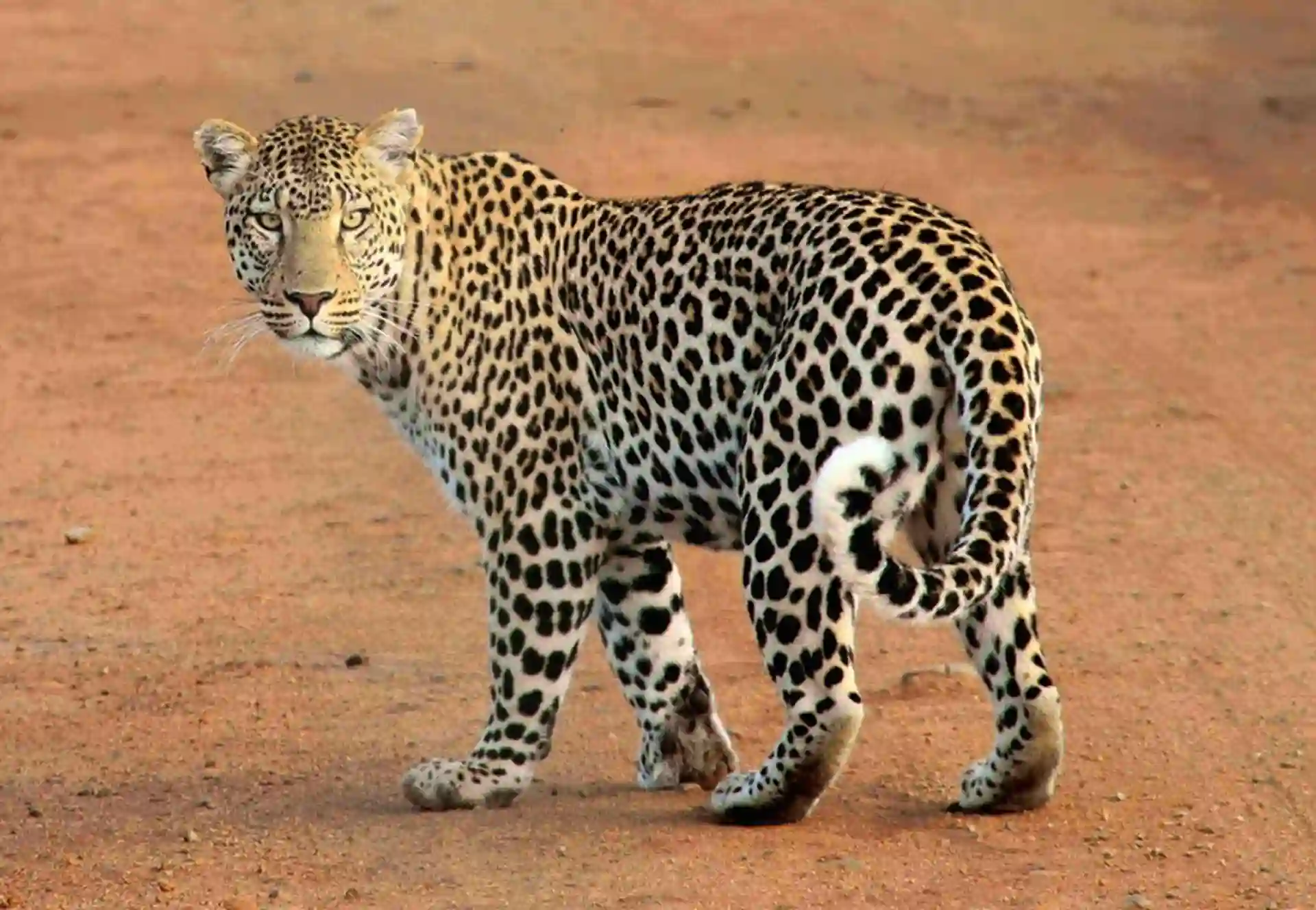
Swift Hunter
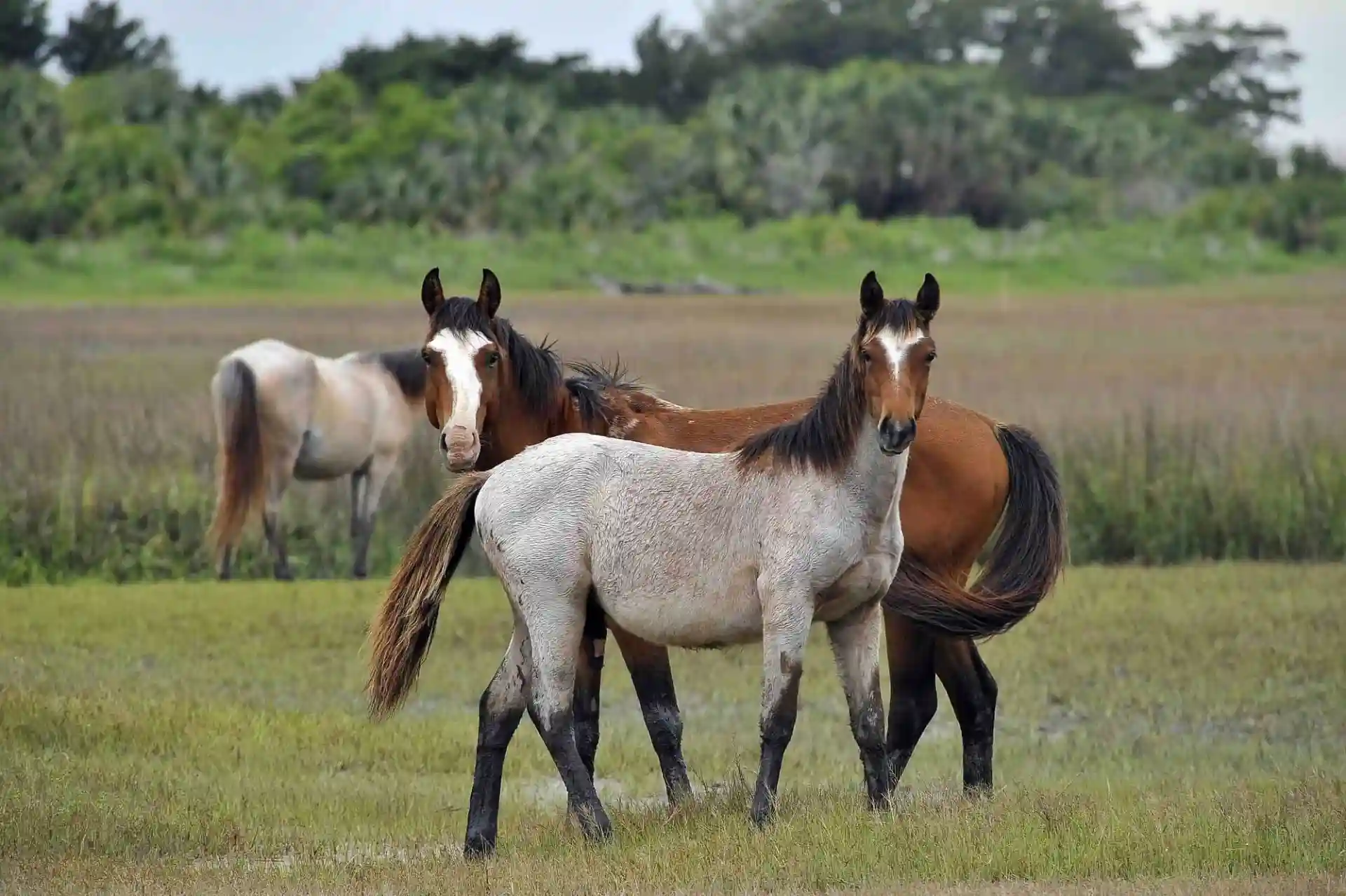
Horse Ride

White Dog

Monkey
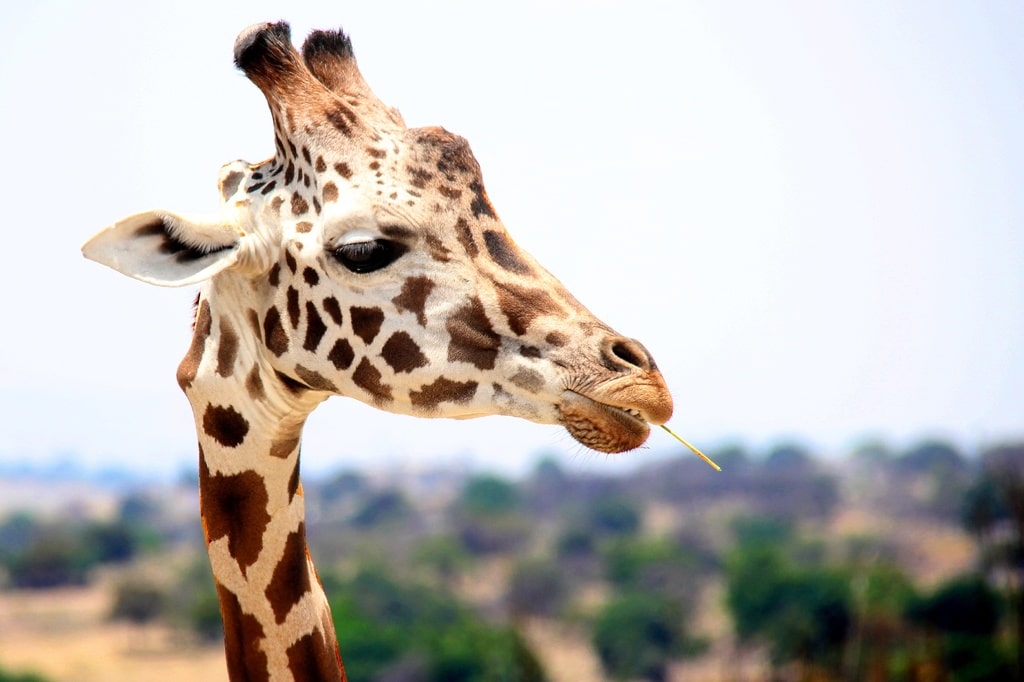
Giraffe in Savana
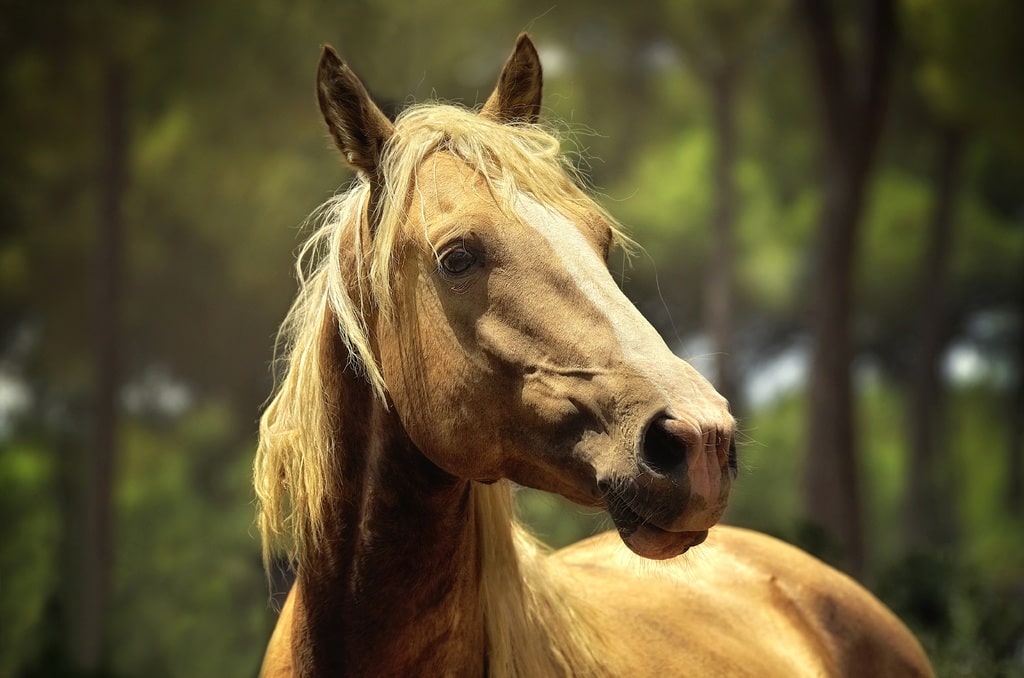
Elegant Horse
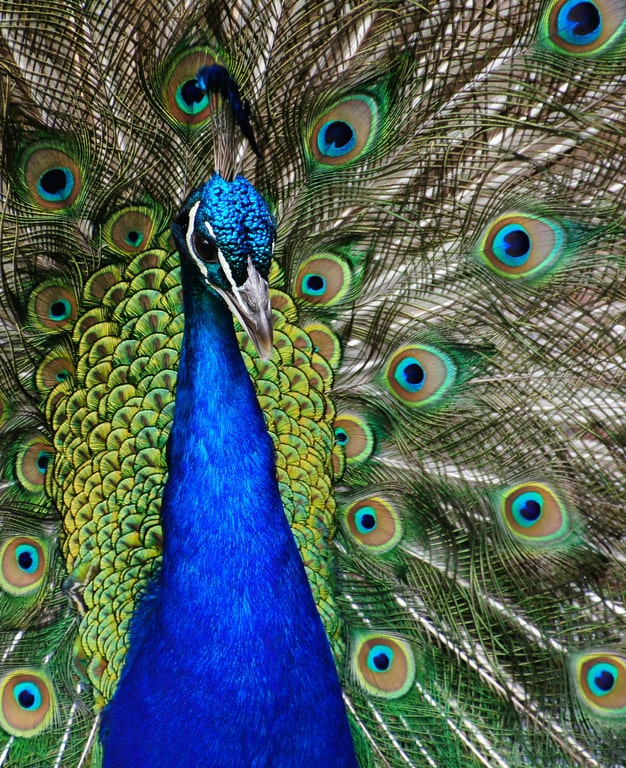
Beautiful Peacock

Big Cat

Wild Life
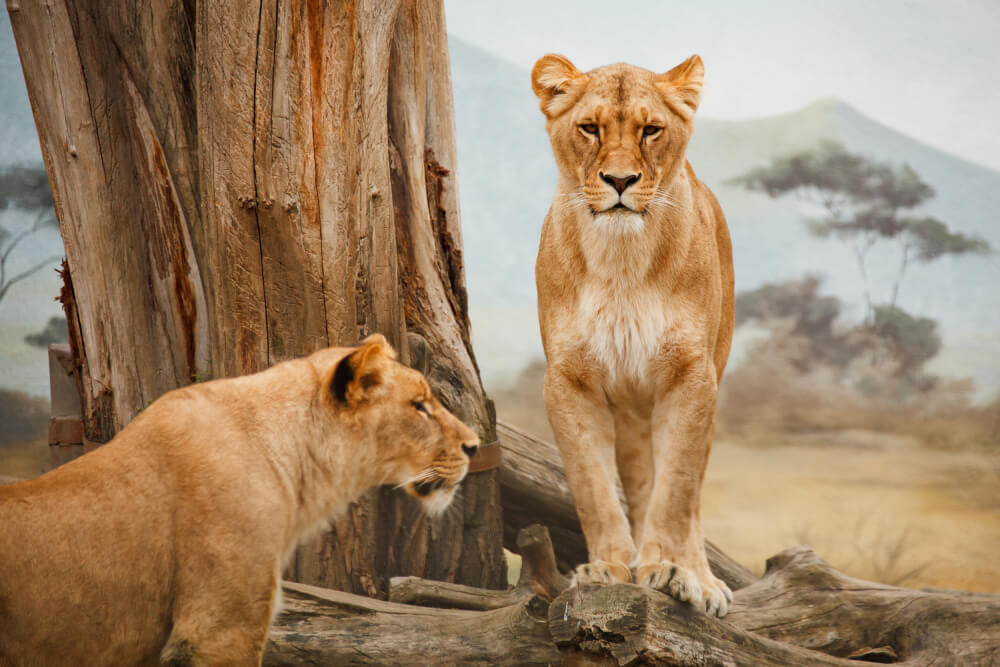
Magnificent Lioness

Lions in Jungle

The Great Wall Of China

Leaning Tower of Pisa
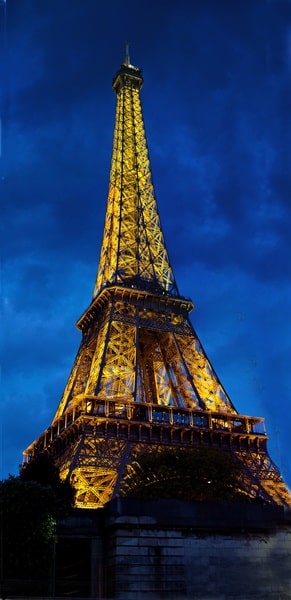
Eiffel Tower in Night

Ancient Pyramids
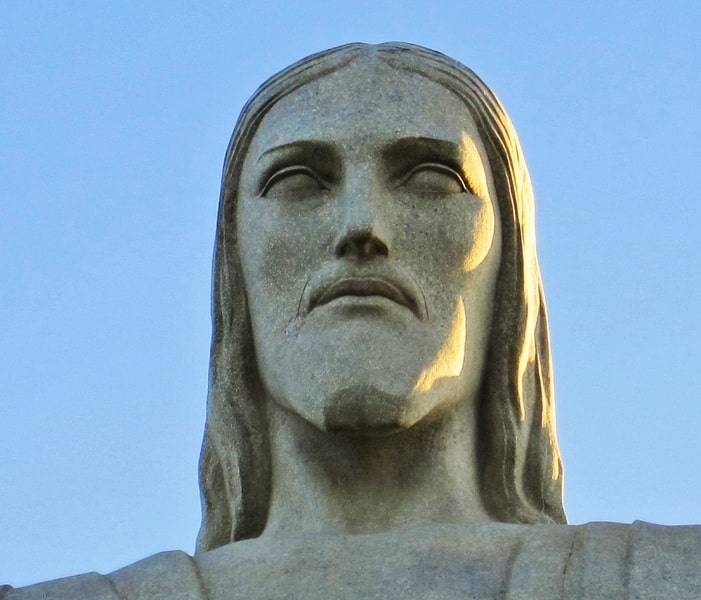
Christ The Redeemer

The Sphinx

Sphinx With Pyramids

Ancient Sphinx Statue
Solitary Winter Majesty
Valley of Reflections
Control Grid Columns and Image Spacing
Customize the grid with adjustable columns and spacing, and add hover overlay effects to the images. Use the Load More option to display additional images as visitors browse the gallery.
Feathers in Bloom

dreamy-diva

winter-casuals

model-grey-eyes

model-denim-shirt

Sophia Martinez

Emily Thompson

happy-moments-group-laugh

Red Cap

Fashion Influencer

Striped Sando

Retro Fashion

Checked Dress

Vintage Goggles

Mexican Boy

Checked Shirt
