
Circle 3D Gallery: Three Ways to Turn the Ring
The first ring below turns on its own and pauses while your pointer rests on it. Further down, one ring follows your mouse wheel and another follows a drag or a swipe. Hover a card at the front of any ring to flip it, and click a card in the first two rings to open it in a lightbox.

Kyle Smith

Maddy Griffin

Clarke Greene

Octavia Maroon

Elena Moose

Antonia Lukaku

Lora Mendis

Sifaya Kuiz

Ally Butler

Maria Granade

Checked Dress

Blue Midi

Female Model

Retro Fashion

Through Her Eyes

Behind the Lens

Rebel Reflections
Spin It With the Mouse Wheel
Point at the ring and roll the wheel to turn it, or press the arrows under the ring to move one card at a time.

A Joyful Beginning

Grace in Full Flower

Nathan and Julia

Walking Down The Aisle

Bouquet Toss

Pure Bridal Elegance

Together Against the Horizon

Sean weds Sophie

Wedding Ceremony

Bride With Flowers

Beautiful Wedding Attire

bride-wedding-groom
Drag It, or Swipe on a Touch Screen
Hold and drag sideways to turn this ring, or use the arrows at either side. A click on these cards follows a link instead of opening a lightbox.

Polar Bear

Giraffe Herd

Blue Goose

Bengal Tiger

Tibetien Alpaca

White Flamingo

Kilimanjaro Elephant

Savanah Zebra

Rhesus Macaque

Wild African Elephant

Arctic Dolphin

Silent Predator
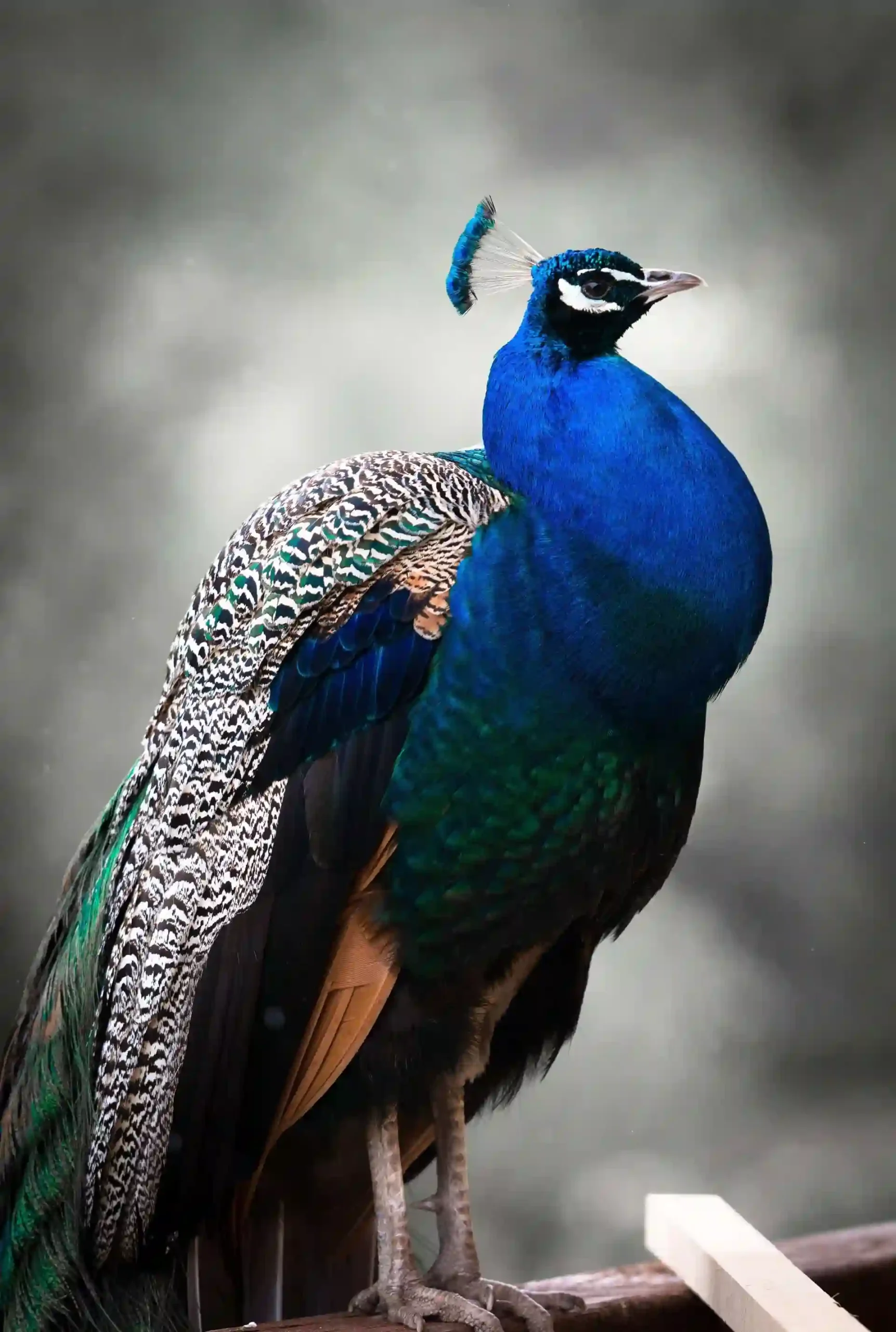
Feathers in Bloom

Silent Stalker
About This Demo
Hold and drag sideways to turn this ring, or use the arrows at either side. A click on these cards follows a link instead of opening a lightbox.
A ring of cards is a good fit when:
- Each image deserves a moment at the front, as in a lookbook, a portfolio, or a team page.
- A hero or feature section needs movement without a video.
- Visitors should turn the gallery themselves, with the wheel, a drag, or the arrows.
- The images belong together as one set, like a wedding album or a travel series.
Circle 3D Gallery is one of the gallery modules in Divi Gallery Extended. See the full feature list and pricing on the product page:
https://diviextended.com/product/divi-gallery-extended/